Note
Go to the end to download the full example code
Modal Simulation#
本例中显示了查看不同振型等简单的后处理操作。
Perform required imports#
执行所需的导入。
本示例使用了一个提供的文件,您可以通过导入 DPF examples 包获得该文件。
from ansys.dpf import post
from ansys.dpf.post import examples
Get Simulation object#
获取允许访问结果的 Simulation 对象。必须使用结果文件的路径实例化 Simulation 对象。
例如,Windows 下为 "C:/Users/user/my_result.rst" 或 Linux 下为 "/home/user/my_result.rst" 。
example_path = examples.download_modal_frame()
# 若要自动检测该模拟类型,请使用:
simulation = post.load_simulation(example_path)

# 要启用自动完成功能,请使用以下等效的命令:
simulation = post.ModalMechanicalSimulation(example_path)
View the frequency domain#
打印 time_freq_support (时间频率)支持有助于选择正确的模式
print(simulation.time_freq_support)

# `set_ids` 返回模态的唯一标识符
print(simulation.set_ids)
DPF  Time/Freq Support:
  Number of sets: 6
Cumulative     Frequency (Hz) LoadStep       Substep
1              253.615690     1              1
2              317.918491     1              2
3              329.825709     1              3
4              575.619678     1              4
5              621.973976     1              5
6              667.364882     1              6

[1, 2, 3, 4, 5, 6]
Extract all mode shapes and view them one by one#
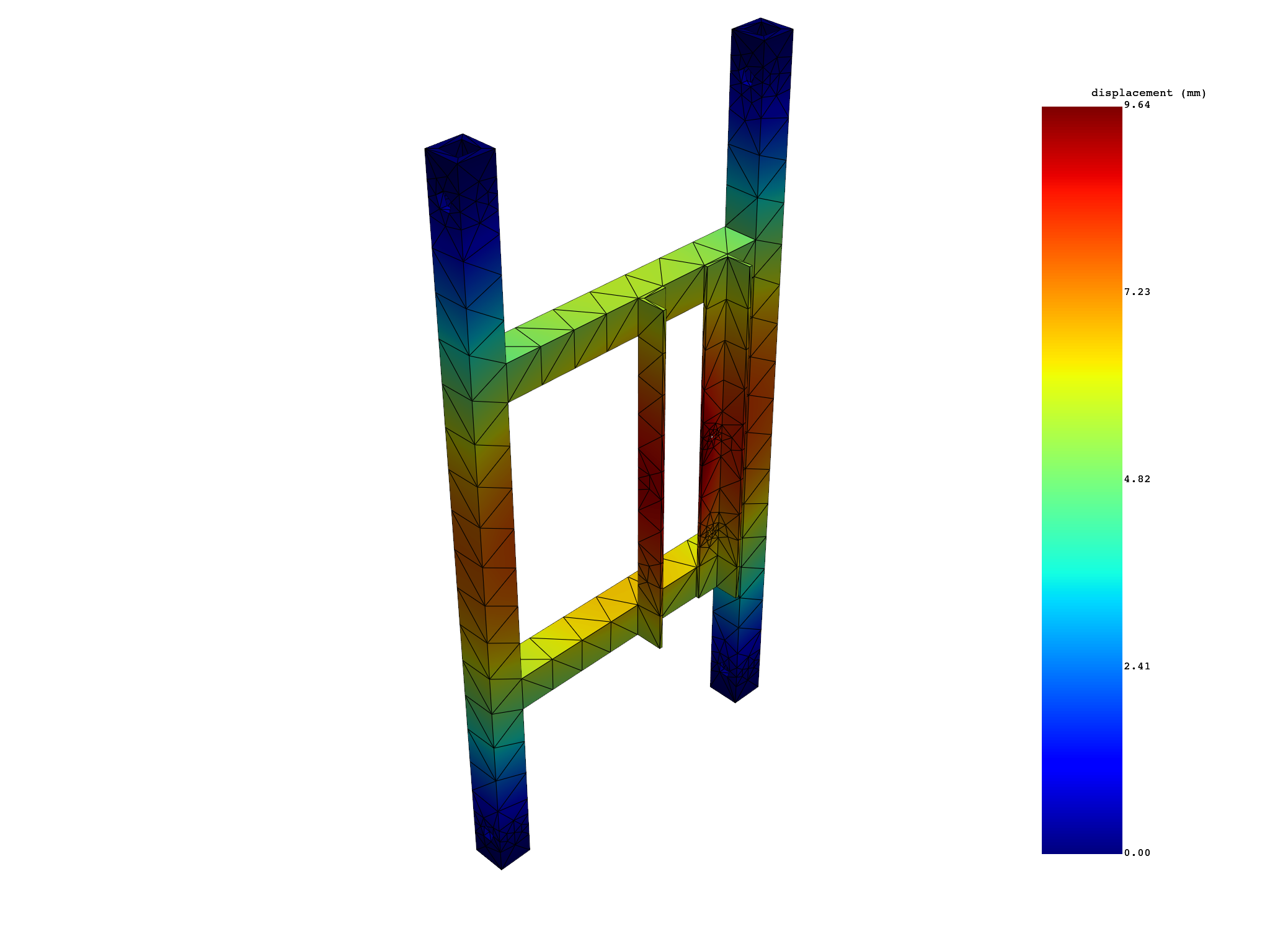
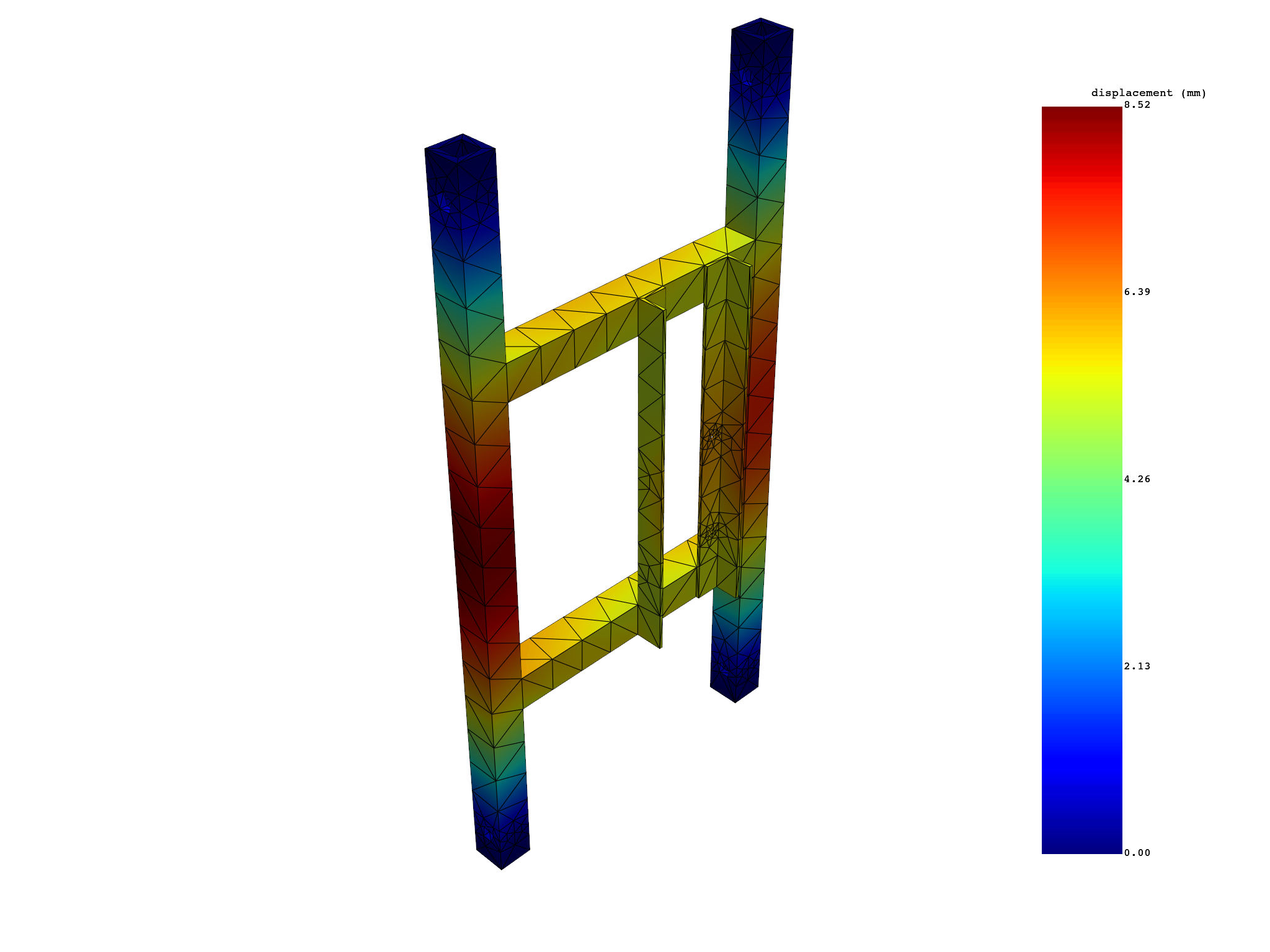
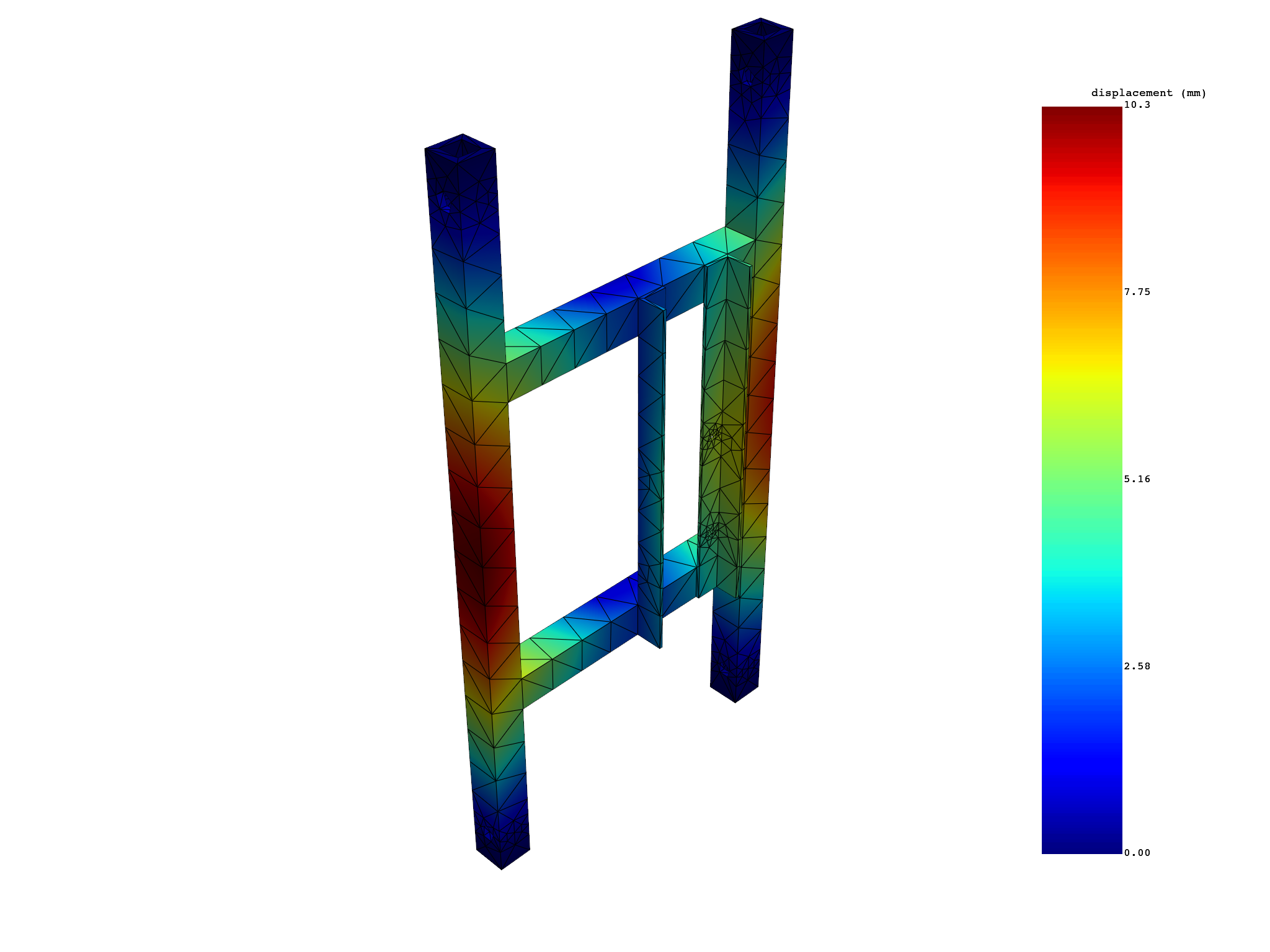
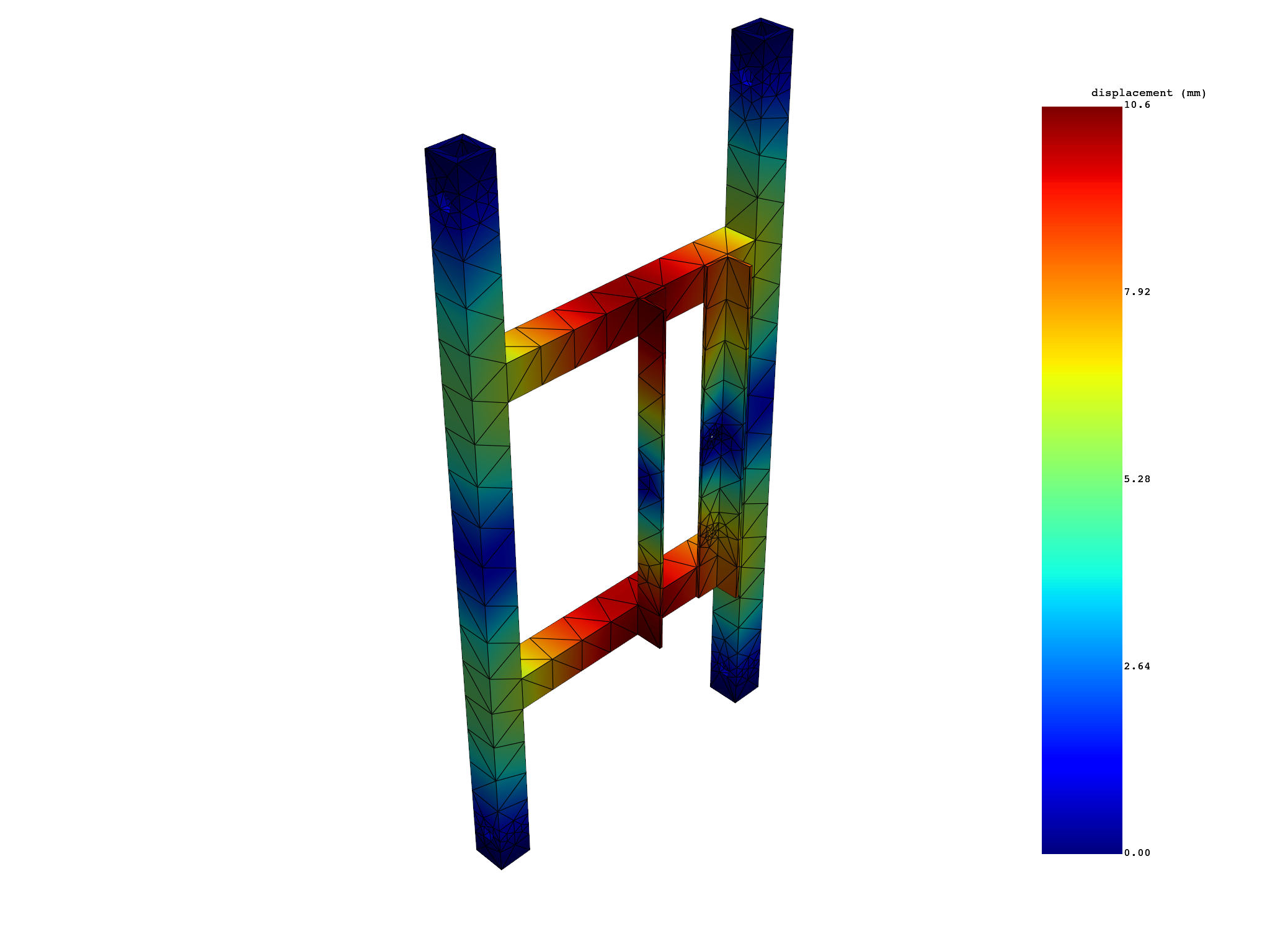
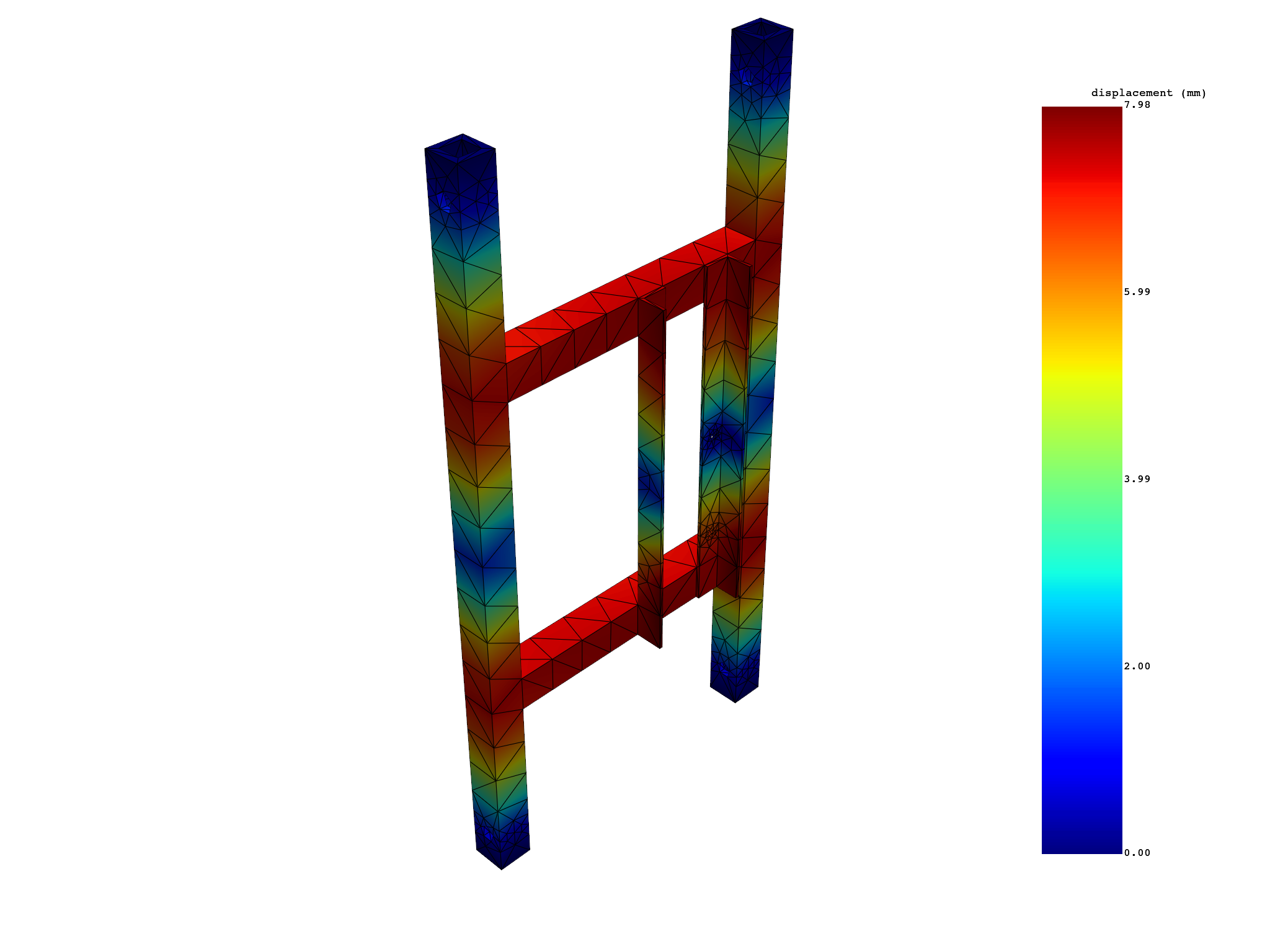
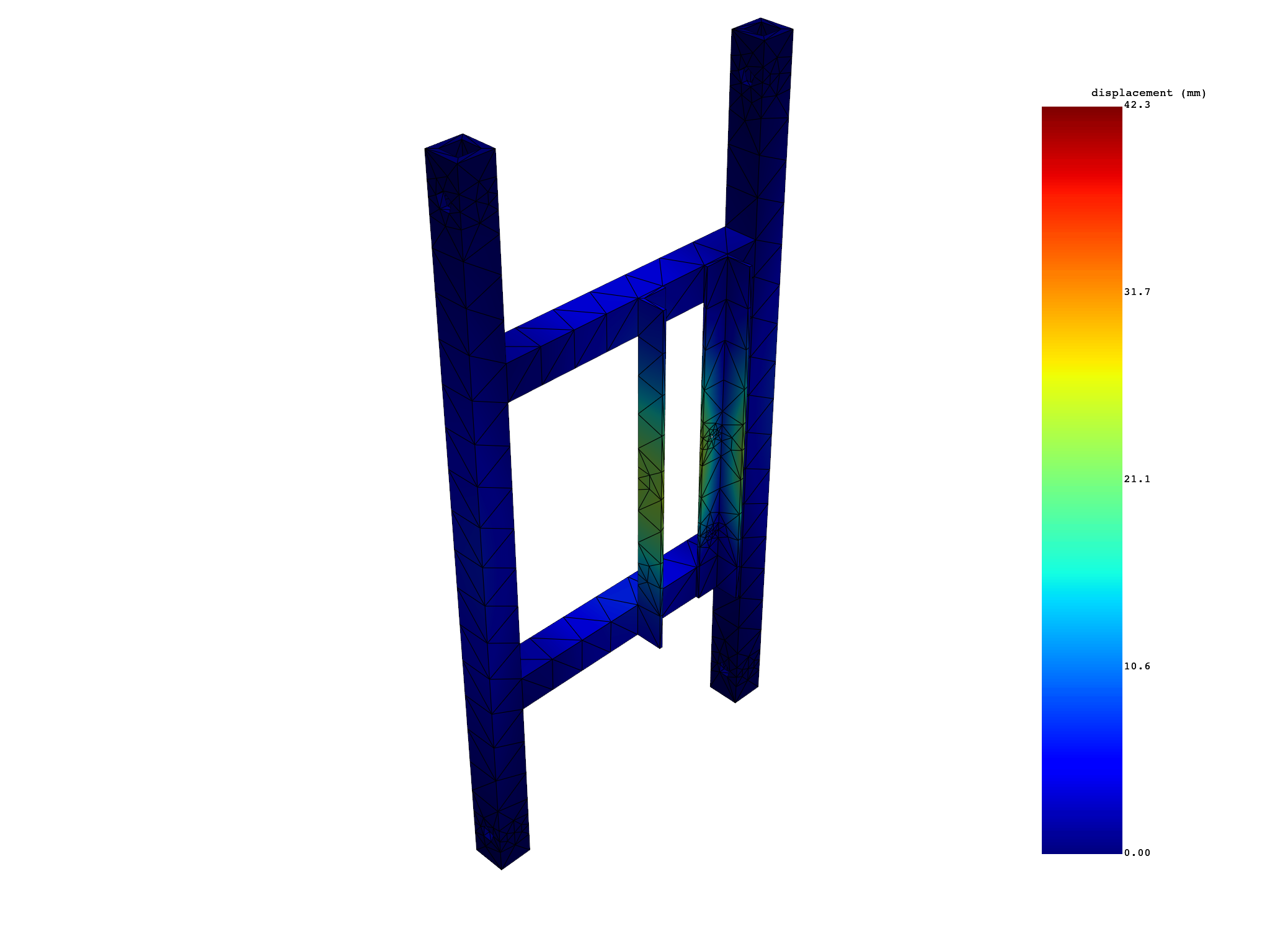
 results   U_N (mm)
 set_ids          1          2          3          4          5          6
node_ids
     367 1.3730e+00 1.8709e+00 2.0199e+00 2.2695e+00 2.9911e+00 1.2970e+00
     509 1.9036e+00 2.5893e+00 2.5942e+00 3.0953e+00 4.0005e+00 1.2648e+00
     428 1.0166e+00 1.4147e+00 1.5069e+00 1.8534e+00 2.3165e+00 7.5843e-01
     510 1.0461e+00 1.4141e+00 1.4841e+00 1.8647e+00 2.2996e+00 8.1520e-01
    3442 1.6226e+00 2.2226e+00 2.2954e+00 2.6685e+00 3.4864e+00 1.2905e+00
    3755 1.4089e+00 1.9743e+00 1.9950e+00 2.4323e+00 3.1554e+00 9.2167e-01
     ...        ...        ...        ...        ...        ...        ...
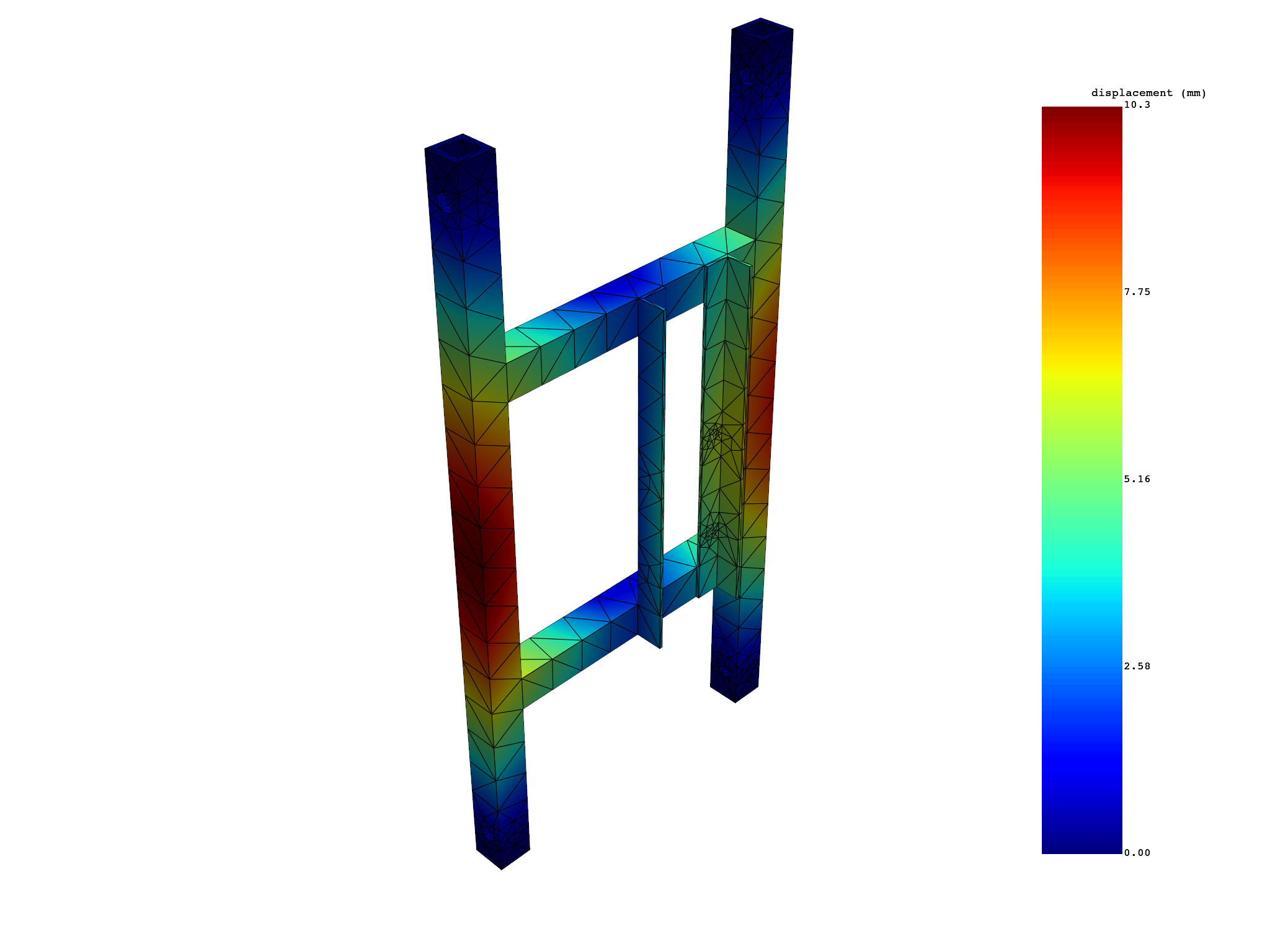
这段代码首先调用 simulation 对象的 displacement 方法,获取模拟中所有集合(由 all_sets=True 指定)的位移信息的范数(由 norm=True 指定)。 然后,代码打印了获取到的位移范数信息。 接着,代码遍历了 simulation 中的所有集合 ID(由 simulation.set_ids 获取),并对每个集合的位移范数信息进行绘图(由 displacement_norm.plot(set_ids=set_id) 实现)。
Extract a selection of mode shapes and view them one by one#
modes = [1, 2, 3]

displacement_norm = simulation.displacement(modes=modes, norm=True)
print(displacement_norm)

for set_id in modes:
    displacement_norm.plot(set_ids=set_id)

# 这段代码首先定义了一个列表 modes,包含了三个模态(模态是振动系统在自由振动下的特性状态)的编号:1,2,3。
# 然后,代码调用 simulation 对象的 displacement 方法,获取这三个模态的位移信息的范数(由 norm=True 指定)。
# 接着,代码打印了获取到的位移范数信息。
# 最后,代码遍历了 modes 中的每个模态编号,并对每个模态的位移范数信息进行绘图(由 displacement_norm.plot(set_ids=set_id) 实现)。
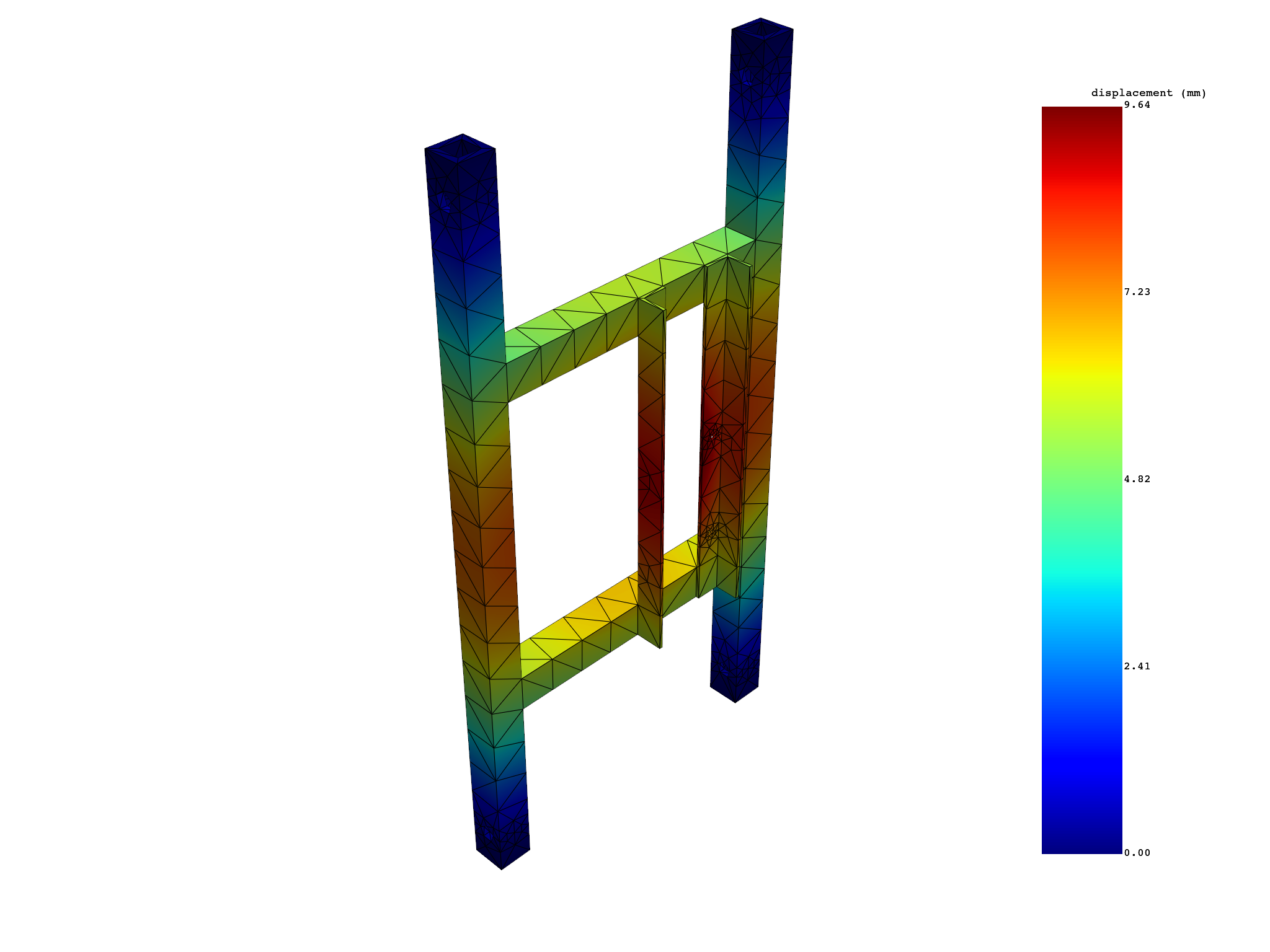
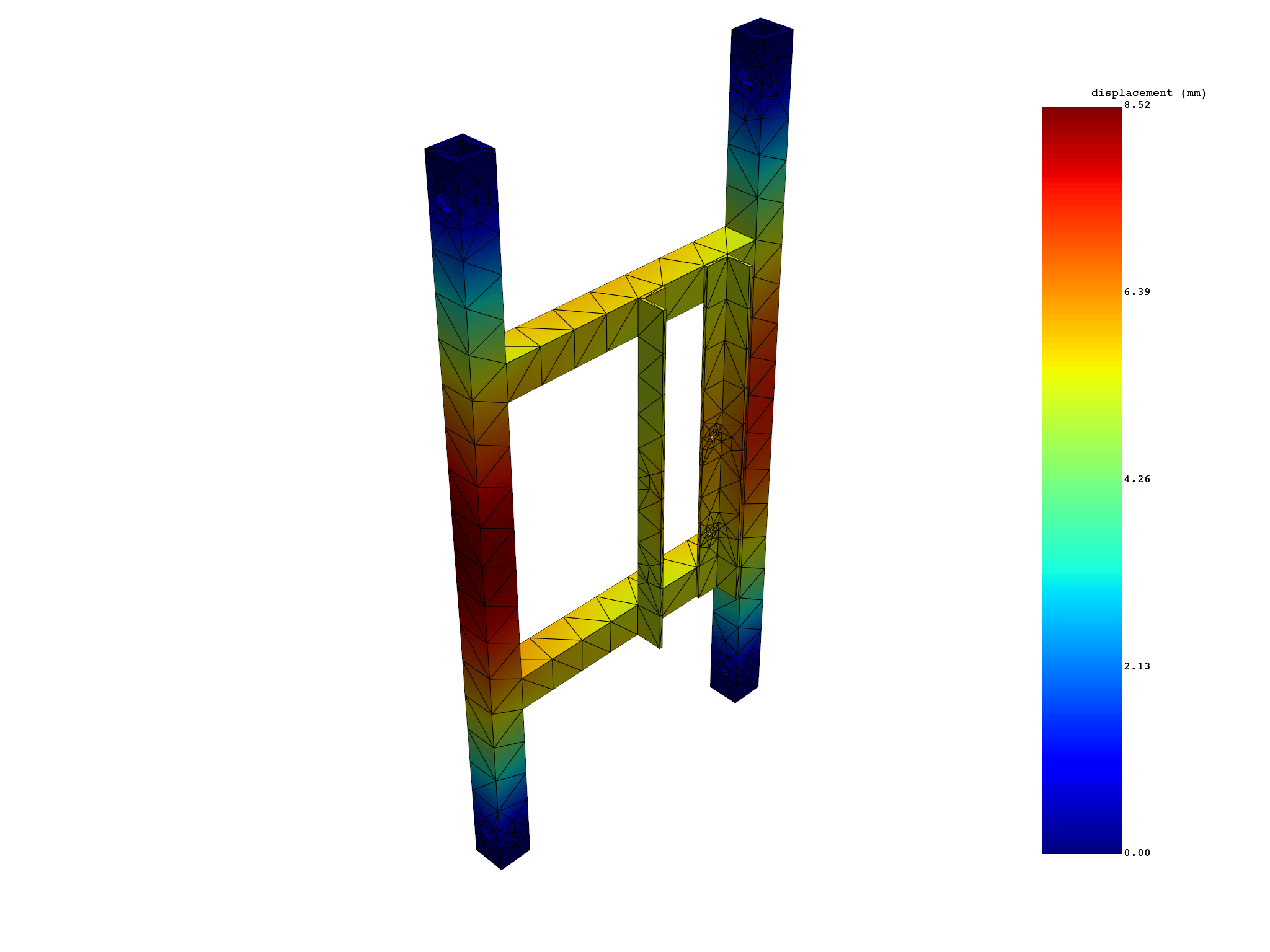
 results   U_N (mm)
 set_ids          1          2          3
node_ids
     367 1.3730e+00 1.8709e+00 2.0199e+00
     509 1.9036e+00 2.5893e+00 2.5942e+00
     428 1.0166e+00 1.4147e+00 1.5069e+00
     510 1.0461e+00 1.4141e+00 1.4841e+00
    3442 1.6226e+00 2.2226e+00 2.2954e+00
    3755 1.4089e+00 1.9743e+00 1.9950e+00
     ...        ...        ...        ...
Total running time of the script: (0 minutes 5.721 seconds)