Note
Go to the end to download the full example code
Reduce Model Size by using Mesh Skin for Result and Mesh extraction#
通过使用网格蒙皮进行结果和网格提取来减小模型尺寸
该示例显示了静态分析中对蒙皮网格的后处理。在重建蒙皮网格时,将使用新的 surface 单元连接 solid 网格外部蒙皮上的节点。这些 surface 单元的类型是根据所有节点都位于表皮上的 solid 单元面来选择的。 该功能适用于所有类型的 Mechanical 仿真,允许您缩小网格和提取数据的大小,以提高处理性能。由于较大的应力和应变通常位于模型的表皮,因此在大多数情况下,在表皮上计算出的结果与最大值相当。 单元或单元节点结果的后处理需要单元实体到表皮的映射,以便从实体单元结果得到面单元结果。建立在表皮上的新 surface 单元的连通性与实体单元的连通性不同,因此在结果平均化后会发现微小的差异。
Perform required imports#
执行所需的导入
本示例使用了一个提供的文件,您可以通过导入 DPF examples 包获得该文件。
from ansys.dpf import post
from ansys.dpf.post import examples
Get Simulation object#
将结果文件加载到允许访问结果的 ``Simulation`` 对象中。
必须使用结果文件的路径实例化 Simulation 对象。例如,Windows 下为 "C:/Users/user/my_result.rst" 或 Linux 下为 "/home/user/my_result.rst" 。
example_path = examples.download_crankshaft()
# 自动检测模拟类型,请使用
simulation = post.load_simulation(example_path)

# 要启用自动完成功能,请使用等效的命令:
simulation = post.StaticMechanicalSimulation(example_path)

# 打印 simulation,了解可用内容的概况
print(simulation)
Static Mechanical Simulation.


Data Sources
------------------------------
C:\Users\ff\AppData\Roaming\Python\Python310\site-packages\ansys\dpf\core\examples\result_files\crankshaft\crankshaft.rst

DPF Model
------------------------------
Static analysis
Unit system: MKS: m, kg, N, s, V, A, degC
Physics Type: Mechanical
Available results:
     -  displacement: Nodal Displacement
     -  velocity: Nodal Velocity
     -  acceleration: Nodal Acceleration
     -  reaction_force: Nodal Force
     -  stress: ElementalNodal Stress
     -  elemental_volume: Elemental Volume
     -  stiffness_matrix_energy: Elemental Energy-stiffness matrix
     -  artificial_hourglass_energy: Elemental Hourglass Energy
     -  thermal_dissipation_energy: Elemental thermal dissipation energy
     -  kinetic_energy: Elemental Kinetic Energy
     -  co_energy: Elemental co-energy
     -  incremental_energy: Elemental incremental energy
     -  elastic_strain: ElementalNodal Strain
     -  structural_temperature: ElementalNodal Temperature
------------------------------
DPF  Meshed Region:
  69762 nodes
  39315 elements
  Unit: m
  With solid (3D) elements
------------------------------
DPF  Time/Freq Support:
  Number of sets: 3
Cumulative     Time (s)       LoadStep       Substep
1              1.000000       1              1
2              2.000000       1              2
3              3.000000       1              3
Extract displacement data#
提取位移数据
提取蒙皮上的位移数据。
displacement_skin = simulation.displacement(skin=True)
displacement_skin.plot()

print(f"number of nodes with `skin=True`: {len(displacement_skin.index.mesh_index)}")
print(f"number of nodes with `skin=False`: {len(simulation.mesh.node_ids)}")
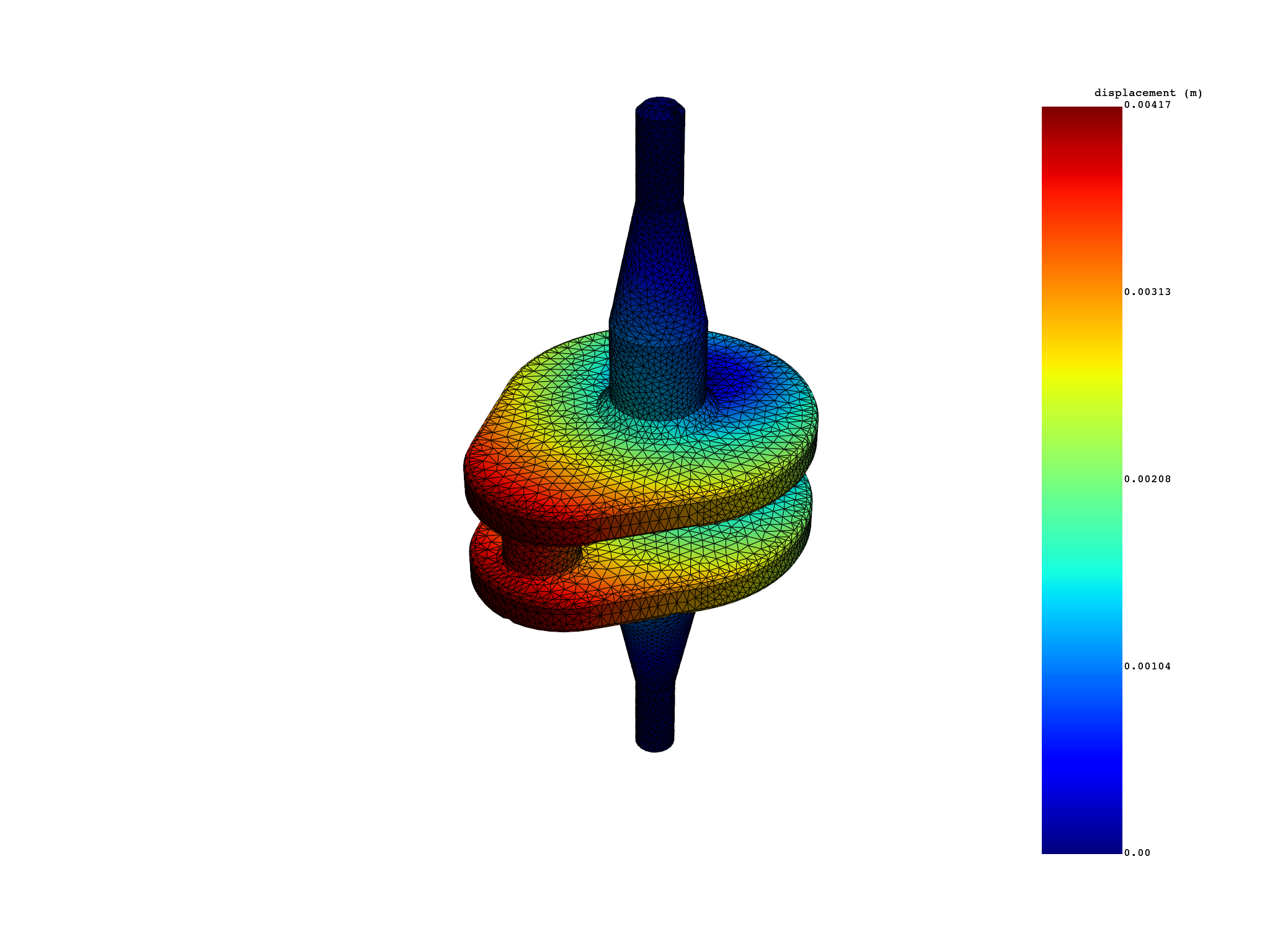
number of nodes with `skin=True`: 33045
number of nodes with `skin=False`: 69762
Extract stress/strain data#
提取应力/应变数据
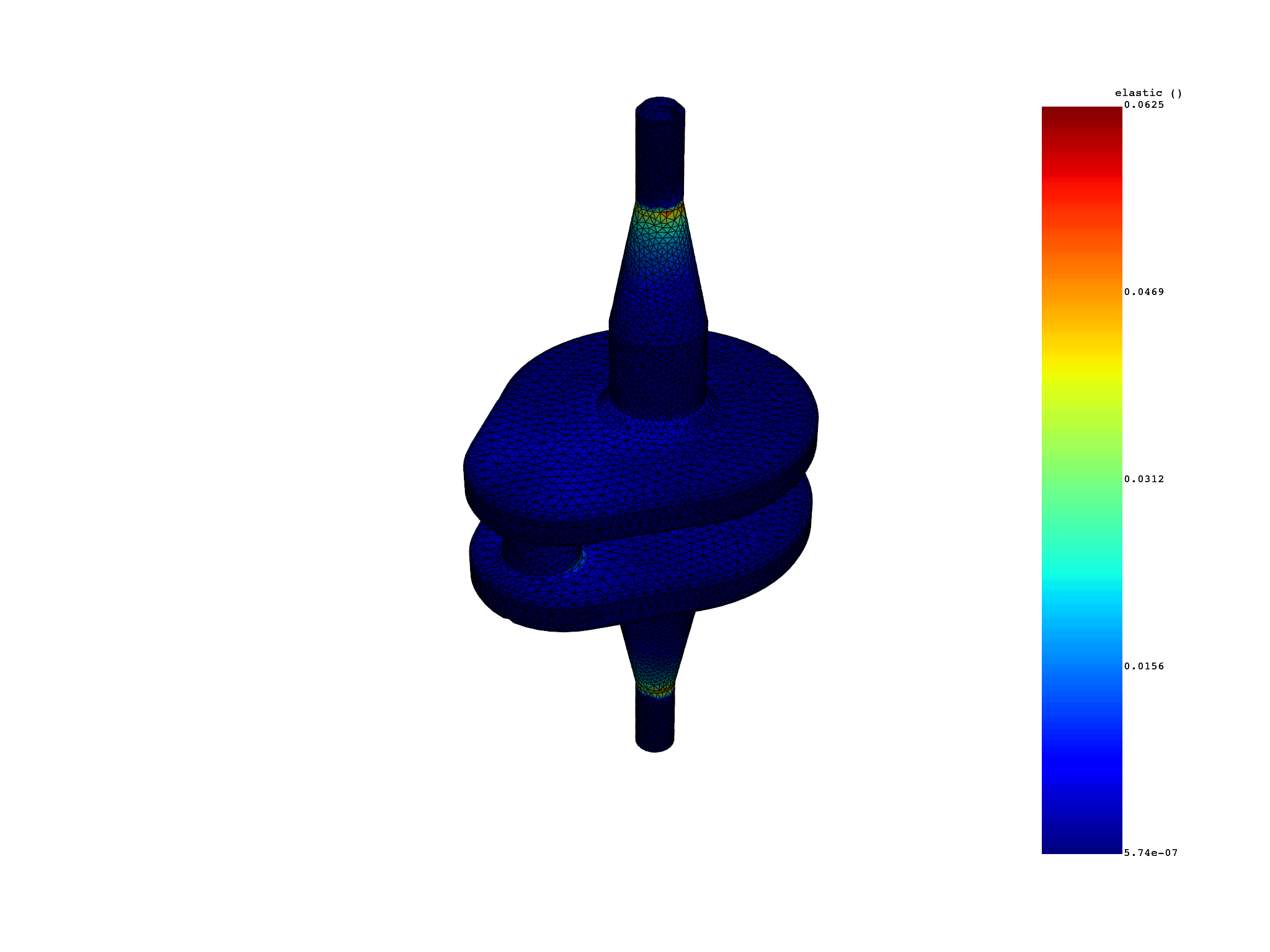
提取蒙皮上的应力或弹性应变数据。 平均化和不变量计算是通过 solid 到 skin 的连续性映射完成的。
elemental_stress_skin = simulation.stress_principal_elemental(components=[1], skin=True)
elemental_stress_skin.plot()

print(
    f"number of elements with `skin=True`: {len(elemental_stress_skin.index.mesh_index)}"
)
print(f"number of elements with `skin=False`: {len(simulation.mesh.element_ids)}")


elastic_strain_eqv_skin = simulation.elastic_strain_eqv_von_mises_nodal(skin=True)
elastic_strain_eqv_skin.plot()
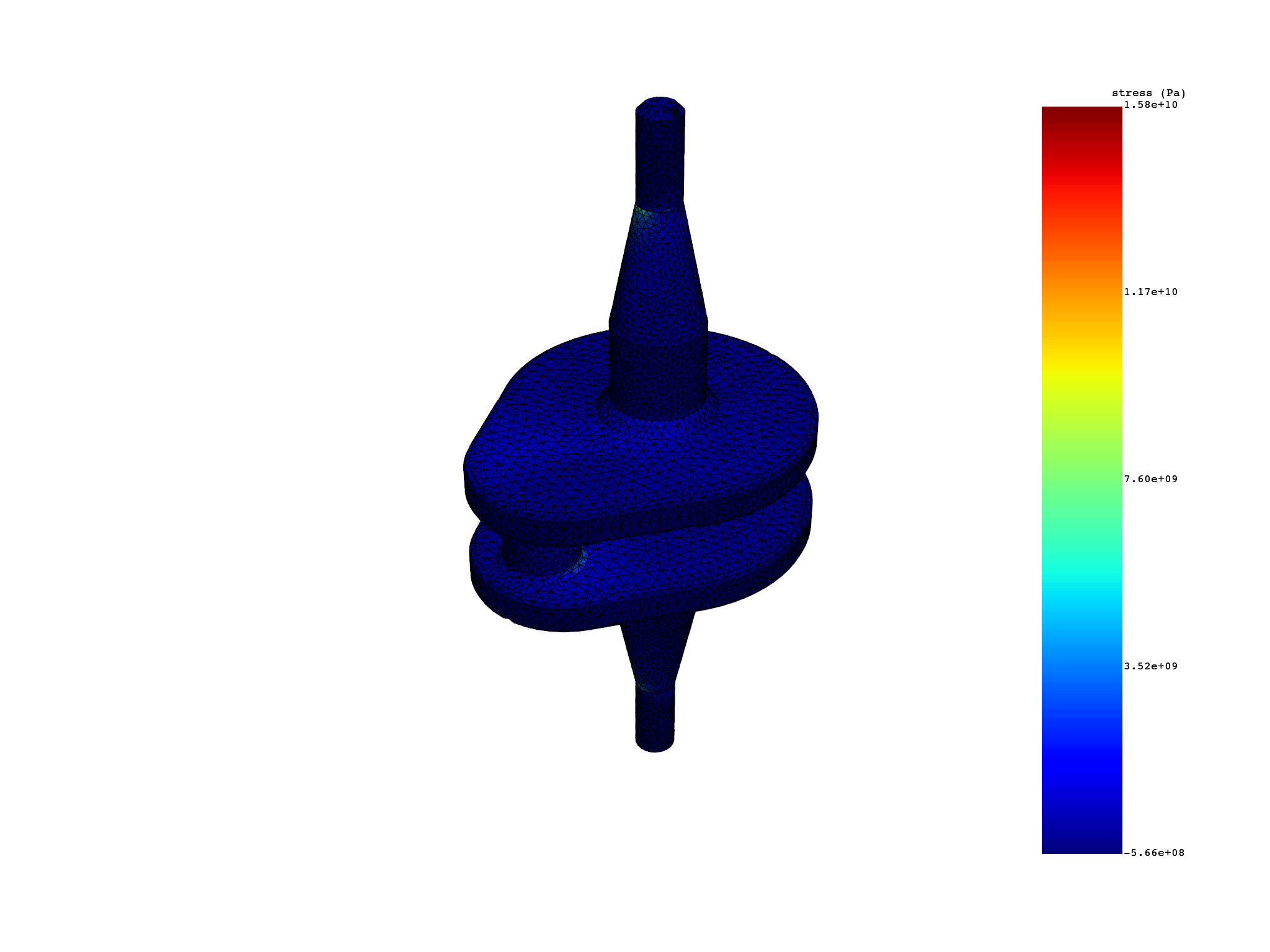
number of elements with `skin=True`: 16992
number of elements with `skin=False`: 39315
Extract the external layer on a selection of elements#
提取选定单元上的外部图层
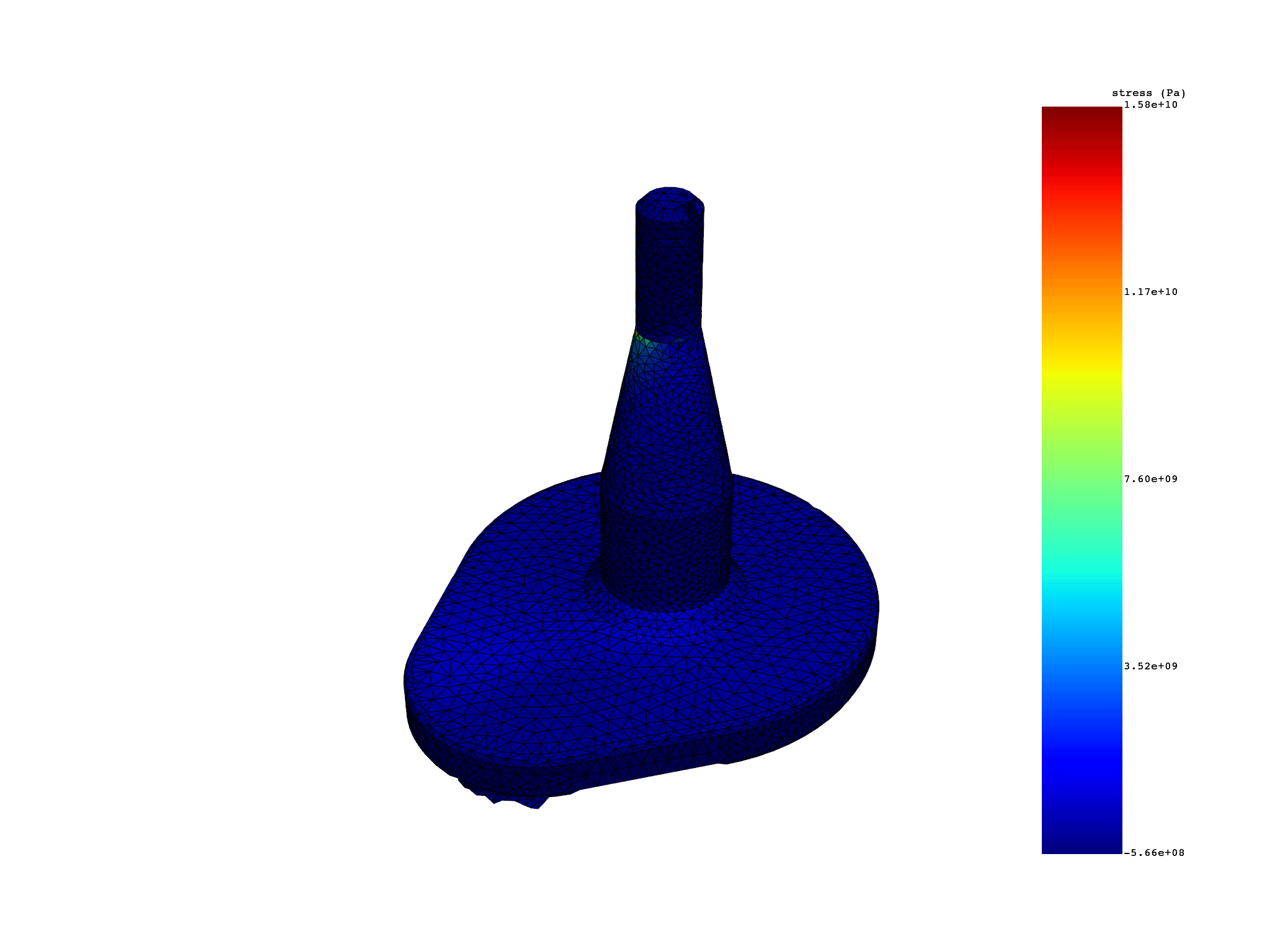
这段代码首先从 simulation.mesh 中获取所有单元的 ID,并将其存储在 all_elements 中。 然后,代码创建了一个空列表 elements,并将 all_elements 的前半部分添加到 elements 中。这是通过一个 for 循环实现的,循环的次数是 all_elements.size / 2(即 all_elements 的大小的一半)。 接着,代码调用 simulation 对象的 stress_principal_elemental 方法,获取 elements 中单元的主应力信息。参数 skin=elements 表示只考虑 skin 中的单元。 最后,代码使用 plot 方法绘制了主应力的图。
Total running time of the script: (0 minutes 2.947 seconds)