Note
Go to the end to download the full example code
Get data from static simulation#
从静态模拟中获取数据
本例演示了如何从先前存储的静态模拟中请求数据。可以列出可用结果,查看可以检索到哪些结果。
Imports and loading simulation#
导入和加载模拟
from ansys.dpf import post
from ansys.dpf.post import examples

simulation = post.load_simulation(examples.static_rst)
print(simulation)
Static Mechanical Simulation.


Data Sources
------------------------------
DPF  DataSources:
  Result files:
     result key: rst and path: C:\Users\ff\AppData\Roaming\Python\Python310\site-packages\ansys\dpf\core\examples\result_files\static.rst
  Secondary files:


DPF Model
------------------------------
Static analysis
Unit system: MKS: m, kg, N, s, V, A, degC
Physics Type: Mechanical
Available results:
     -  displacement: Nodal Displacement
     -  reaction_force: Nodal Force
     -  stress: ElementalNodal Stress
     -  elemental_volume: Elemental Volume
     -  stiffness_matrix_energy: Elemental Energy-stiffness matrix
     -  artificial_hourglass_energy: Elemental Hourglass Energy
     -  thermal_dissipation_energy: Elemental thermal dissipation energy
     -  kinetic_energy: Elemental Kinetic Energy
     -  co_energy: Elemental co-energy
     -  incremental_energy: Elemental incremental energy
     -  elastic_strain: ElementalNodal Strain
     -  structural_temperature: ElementalNodal Temperature
------------------------------
DPF  Meshed Region:
  81 nodes
  8 elements
  Unit: m
  With solid (3D) elements
------------------------------
DPF  Time/Freq Support:
  Number of sets: 1
Cumulative     Time (s)       LoadStep       Substep
1              1.000000       1              1
Get and plot displacements#
获取并绘制位移图
displacement = simulation.displacement()
打印信息
print(displacement._fc)
DPF displacement(s)Fields Container
  with 1 field(s)
  defined on labels: time

  with:
  - field 0 {time:  1} with Nodal location, 3 components and 81 entities.
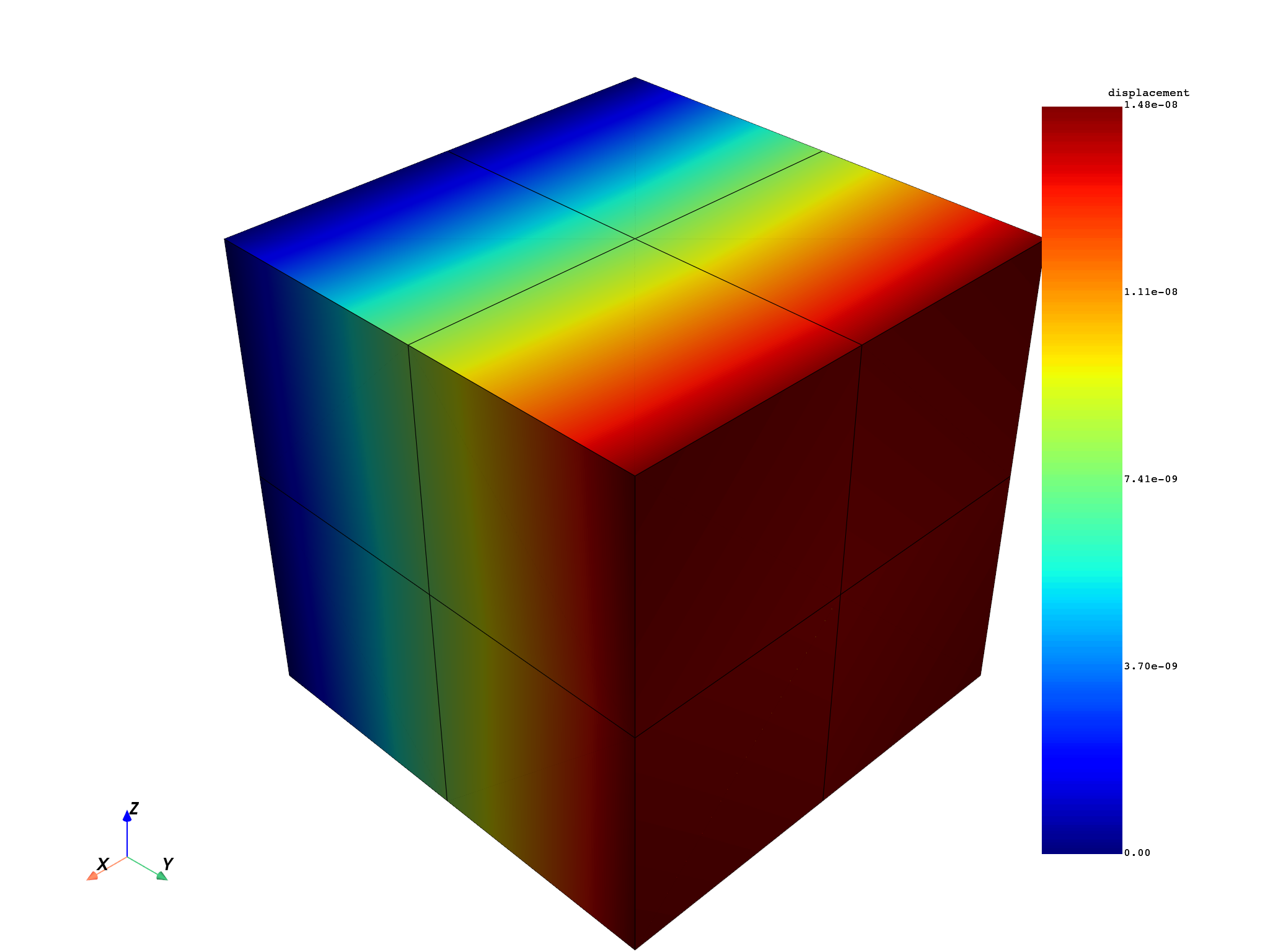
绘制位移图
displacement._fc[0].plot()
Get and plot stresses#
获取并绘制应力图
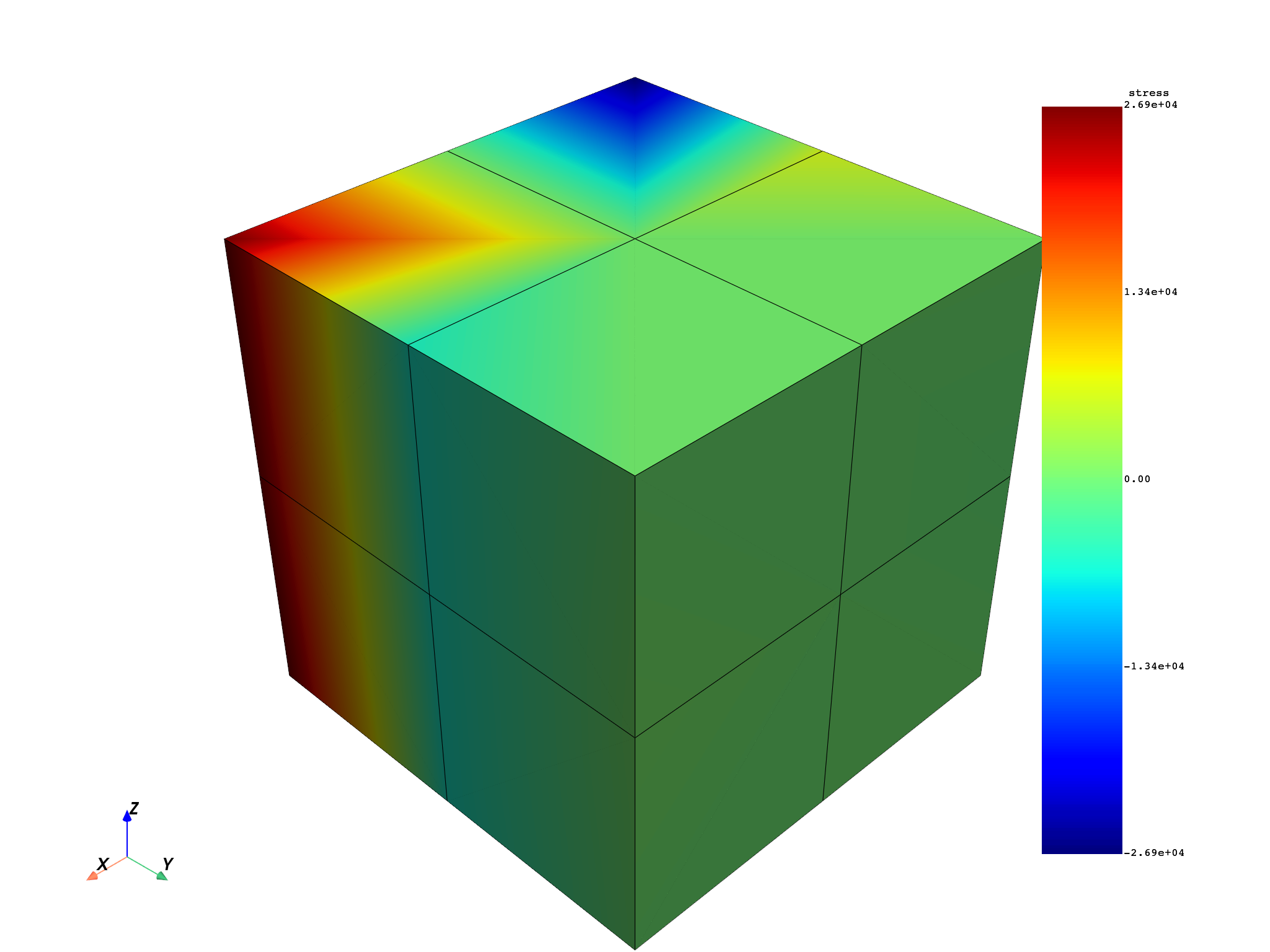
平均各节点的 “XY” 应力分量
stress = simulation.stress_nodal(components="XY")
打印信息
print(stress._fc)
DPF stress(s)Fields Container
  with 1 field(s)
  defined on labels: time

  with:
  - field 0 {time:  1} with Nodal location, 1 components and 81 entities.
绘制可用应力
stress._fc[0].plot()
Get stresses at only 5 nodes#
仅在 5 个节点位置处获取应力
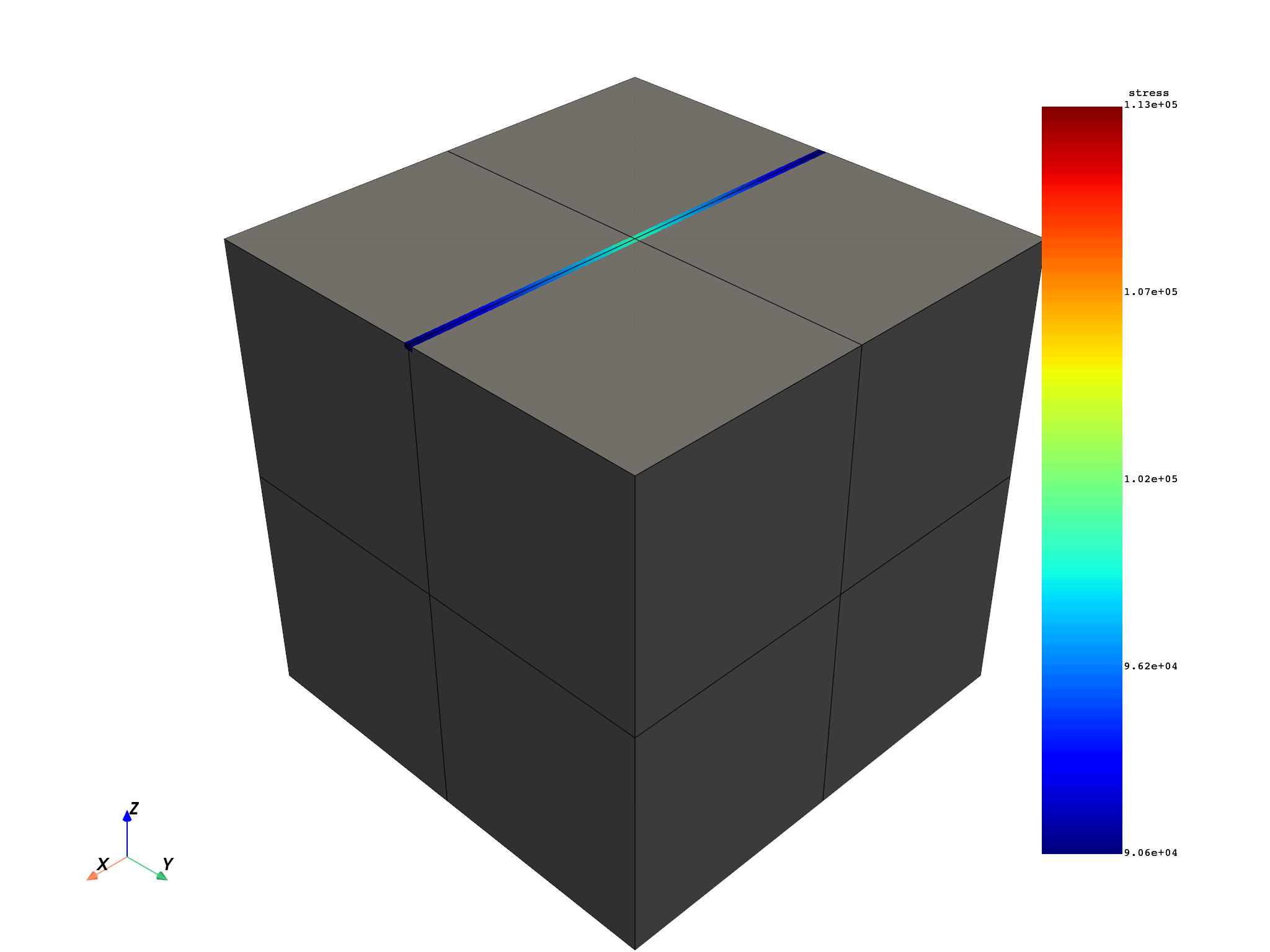
对根据 ID 选定的前 5 个节点请求应力
stress_nodes = simulation.stress_nodal(node_ids=range(1, 6))
打印信息
print(stress_nodes._fc)
DPF stress(s)Fields Container
  with 1 field(s)
  defined on labels: time

  with:
  - field 0 {time:  1} with Nodal location, 6 components and 5 entities.
绘制应力图
stress_nodes._fc[0].plot()
Get stresses in a named selection#
获取已命名选区中的应力
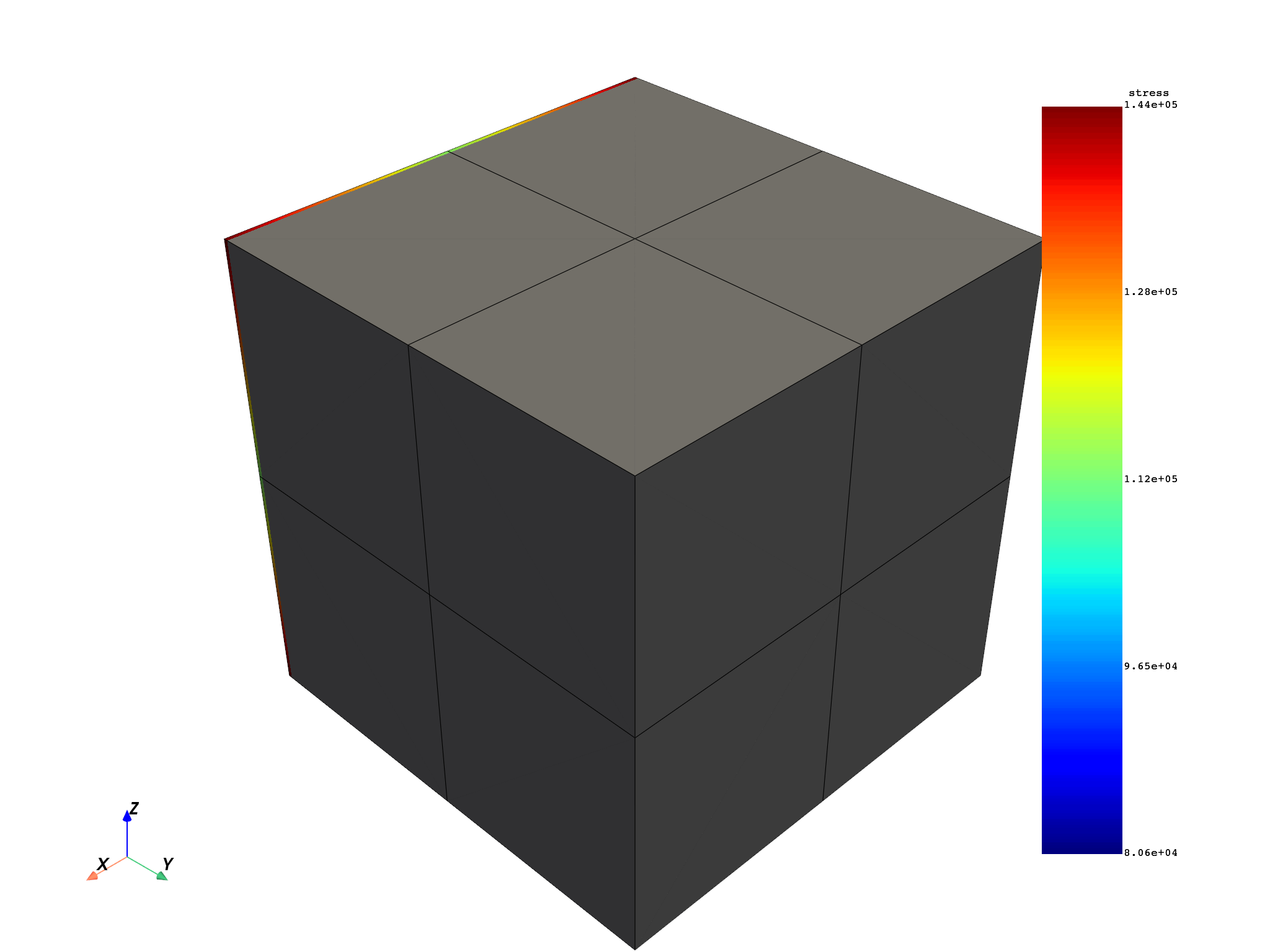
获取模拟中第一个命名选区的名称
打印信息
print(stress_named_sel._fc)
DPF stress(s)Fields Container
  with 1 field(s)
  defined on labels: time

  with:
  - field 0 {time:  1} with Nodal location, 6 components and 21 entities.
绘制应力图
stress_named_sel._fc[0].plot()
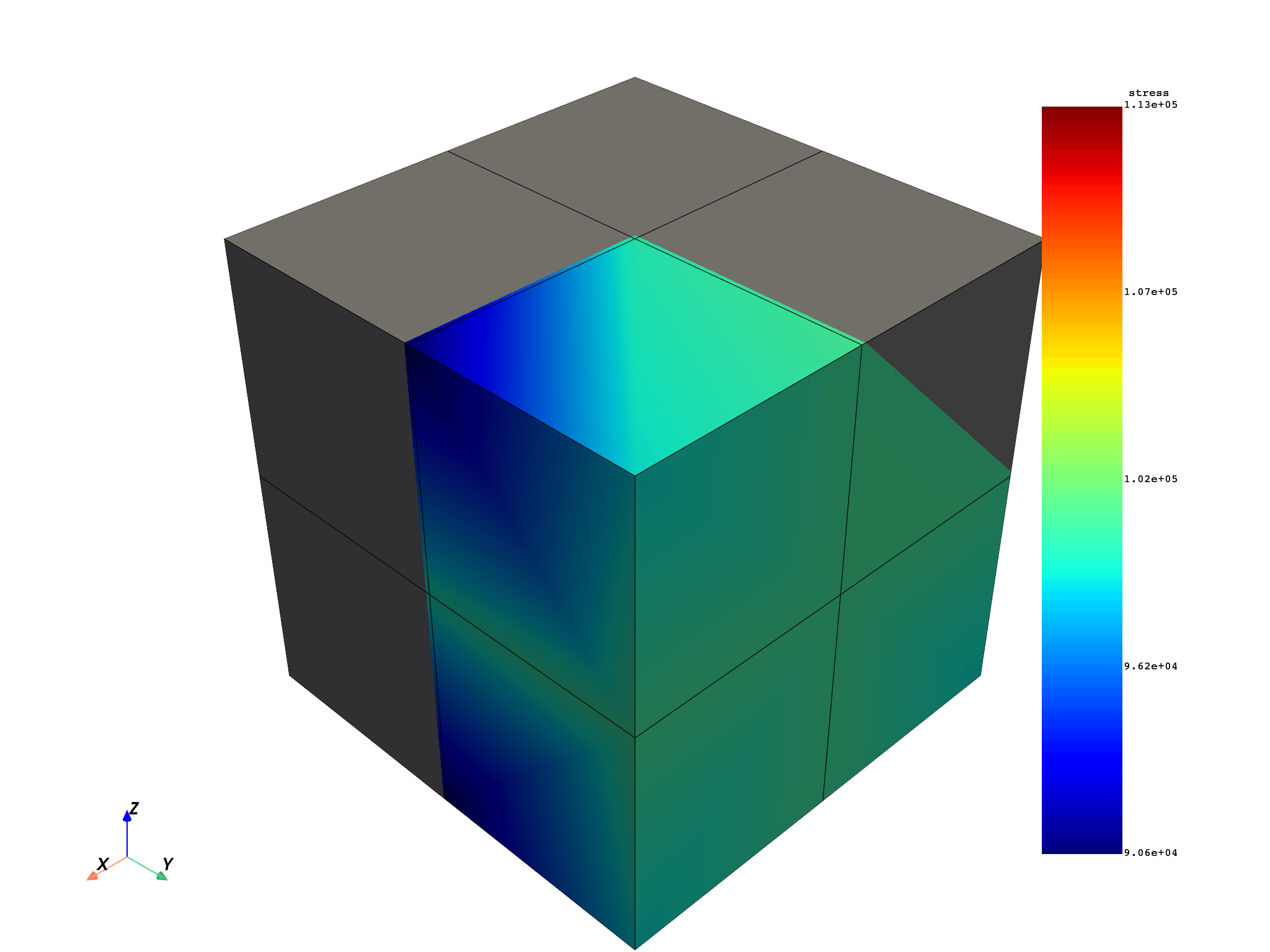
Get stresses in a few elements#
获取若干个单元中的应力数据
仅对根据 ID 选定的几个单元请求应力
stress_elements = simulation.stress_nodal(element_ids=[1, 2, 3])
打印信息
print(stress_elements._fc)
DPF stress(s)Fields Container
  with 1 field(s)
  defined on labels: time

  with:
  - field 0 {time:  1} with Nodal location, 6 components and 44 entities.
绘制应力图
stress_elements._fc[0].plot()
Get elemental stress and raw stresses#
获取单元应力和原始应力*
# 获取单元应力并打印信息
stress_elements = simulation.stress_elemental()
print(stress_elements._fc)
DPF stress(s)Fields Container
  with 1 field(s)
  defined on labels: time

  with:
  - field 0 {time:  1} with Elemental location, 6 components and 8 entities.
请求原始应力(“ElementalNode”)并打印信息
stress_raw = simulation.stress()
print(stress_raw._fc)
DPF stress(s)Fields Container
  with 1 field(s)
  defined on labels: time

  with:
  - field 0 {time:  1} with ElementalNodal location, 6 components and 8 entities.
Total running time of the script: (0 minutes 1.749 seconds)